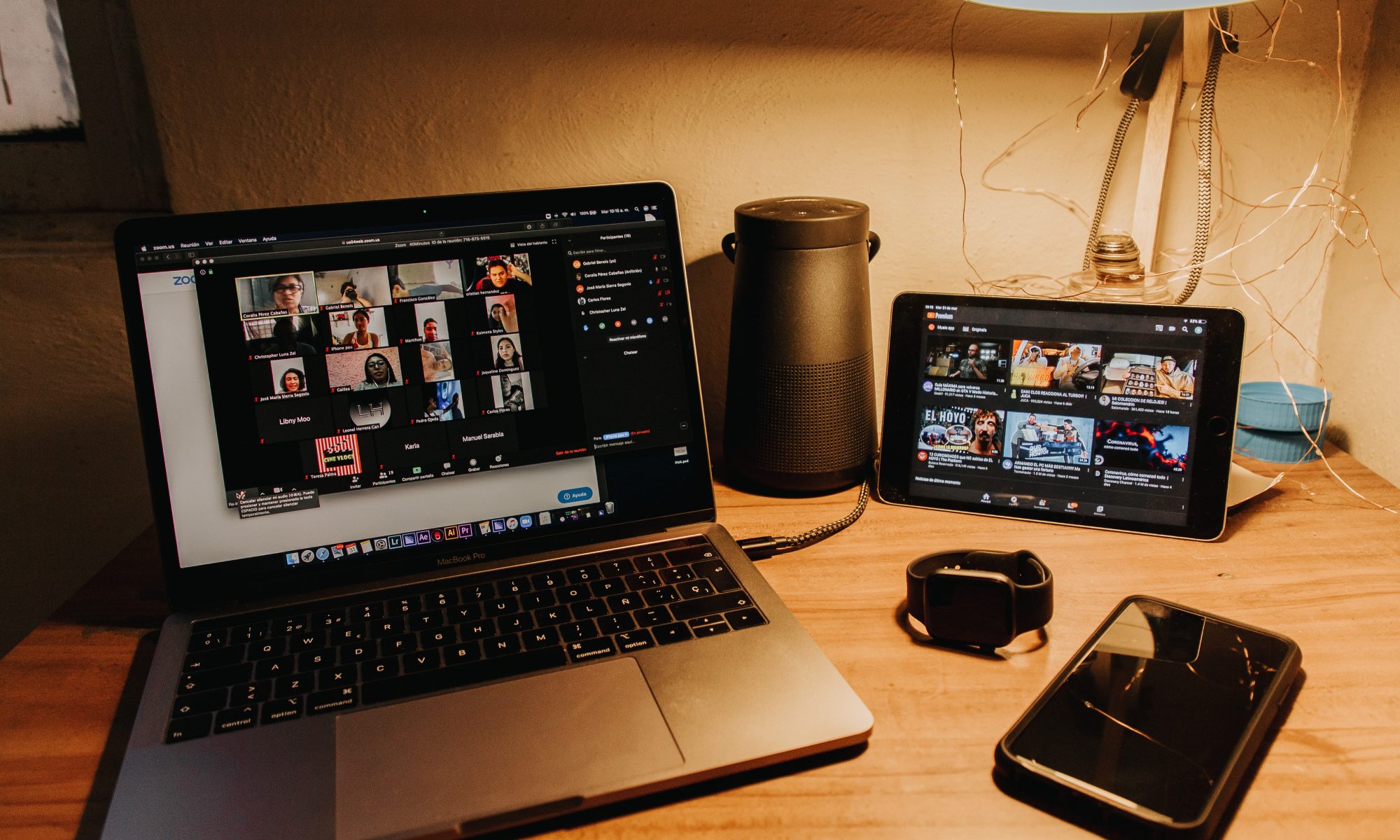
Whether it’s to have meetings with coworkers and clients or to catch up with family and loved ones, video calls have become the go-to means of connecting with one another. Video calls come quite close to face-to-face conversations as they allow the parties involved to see each other as they chat or discuss things, something that makes the call even more fun especially now that people have not been able to go out as much. Unlike in texting or chatting over online apps where responses can come in hours or even days after a message, in a video call participants are required to be on the call at the same time as if meeting physically.
Indeed, video calls are a very efficient tool to keep in touch with the people we haven’t seen in a long time. As more people become familiar with video calls, the more often will this form of communication be used.
To make each video call a productive and enjoyable experience, here are a list of things to remember:
- Do check your audio and video settings before the start of the call
Make sure that you will be seen and heard during the video call. Check your camera and microphone settings before entering the call. Doing this will save you from the panic of figuring out how to turn on your camera or unmute yourself when it’s time to speak.
Likewise, check that you have stable internet connection to accommodate the call to avoid lags and missing parts of the conversation.
2. Do familiarize yourself with the features of your video call application
Know the features of the app you will be using for the call. Be familiar about important buttons or keys such as the mute button and chat box to ensure that your video call goes smoothly. Some videoconferencing apps even have a button that allows you to raise your hard to call the attention of the speaker – virtually, of course.
Familiarizing yourself with the features of your videoconferencing app will allow you to make the experience more holistic and stress-free.
3. Do find a quiet place to do the video call
Your gadget’s microphone could pick up even the faintest sounds such as television static, electric fan noise, the neighbor’s dog barking, which can cause unnecessary interruptions during your conversation. Use a headset if the noise in the area is too much. This way, the surrounding noise is not caught on the video call.
Make sure you’re in a disturbance-free environment so you won’t have trouble hearing each other during the call. Tell the people at home that you’re going to be in a call to avoid loud noises and people barging into the room or walking behind you.
4. Do prepare for the video call if necessary
Do your homework. If the virtual meeting needs reports or updates, prepare these ahead of time so you will be ready for the meeting.
Be in the right headspace before the call. This will help you focus on what needs to be done during the video call. If you expect the call to last a couple of hours or extend through meal time, make sure you have a drink or some crackers within reach.
5. Do be present during the call
It’s easy to get distracted during a video call where people usually only see your shoulders up. You could be tempted to pick up your phone or do other things while the meeting goes on in your computer.
Be an active listener as you would be in a face-to-face conversation. If you’re in a work meeting, take down notes to keep yourself occupied when it’s not your turn to speak. If you’re in a call with friends or family, ask questions to keep the conversation going.
6. Do manage the video call running time
As in face-to-face meeting, ensure a virtual meeting is productive by managing the time efficiently. Video calls can be more draining than face-to-face meetings so avoid overextending them.
If you’re presiding over the meeting, be mindful of the time. If other speakers are taking longer than the time allotted to them, call their attention in a respectful way. If you’re one of the speakers or those assigned to update on something, do not hog the spotlight and instead give other participants ample time to share their ideas.
7. Don’t suddenly start a video call without warning
You risk people not picking up your call when you ring them unannounced. No one really wants to be caught off-guard on camera.
While work meetings are often scheduled in advance, the same should apply to a call with friends or family. Send them a quick message beforehand to confirm the right time to call.
8. Don’t leave the call without warning
If you have another meeting or activity and won’t be able to finish the video call, advise the meeting organizer or moderator ahead of time. If something comes up during the call itself, you can use the chat window to inform the group.
Either way, extend meeting courtesy by letting the other participants know that you are leaving instead of just virtually stepping out of the room.
9. Don’t speak too fast
Factors such as unstable internet connection may cause video calls to lag, causing you or the person you’re conversing with to miss some parts of the conversation. Be considerate by not speaking too fast so that your words are heard clearly.
Monitor your screen to see if you’ve been disconnected. In the case of a lag, don’t be shy to ask what the last thing they heard you say was.
10. Don’t rely on body language to get your point across
Reading facial expressions and body language over a video call is a bit challenging due to the limited impression a screen can give. As much as possible, use words to get your points across. Gestures should only be used to complement what you are saying, not explain the whole point.
You can’t expect people to be glued to their screens the whole time you are speaking, so it would be best to articulate your points verbally.
11. Don’t talk over one another
Unlike face-to-face conversations where you can pick up who the person interrupting is, video calls make it harder to tell who is speaking due to voices overlapping. This can become overwhelming the more people are involved.
Mute your microphone when it’s not your turn to speak. Use the chat box to raise your concerns if you find it difficult to jump into the conversation. Overall, be courteous to the other people in the call and give everyone a chance to express themselves.
As the pandemic continues to put distance between us and the people we care about or work with, video calls may just be the tool we need to maintain that connection. Make virtual meetings something to look forward to by following these tips and sharing them with the people you often communicate with.